Why Do Devices Measure Both Temperature and Humidity?
Since Many Devices Measure Both temperature and humidity, they can describe indoor conditions more completely than a thermometer alone. Temperature tells us how warm the air is. Relative humidity shows how much water vapor it contains compared with the air’s capacity at that temperature. The two readings work together. A room at 24°C may feel comfortable on a dry day but heavy and clammy when humidity rises.
This is useful in homes, greenhouses, warehouses, and workplaces. A thermostat with humidity sensing can help manage heating, cooling, or ventilation. In a greenhouse, readings near the leaves can reveal conditions that a wall-mounted sensor might miss. In a storage room, high humidity may warn of dampness before boxes feel wet. Small details matter.
The measurements are not perfect. Sensors can drift, and sunlight, vents, or a warm appliance can distort a reading. Placement matters. So does calibration. One device cannot describe every corner of a building, and a single number should not replace careful observation. Still, combined readings offer a practical picture of comfort and environmental change. Understanding why devices measure both helps people interpret the display, choose suitable equipment, and respond with better-informed adjustments.
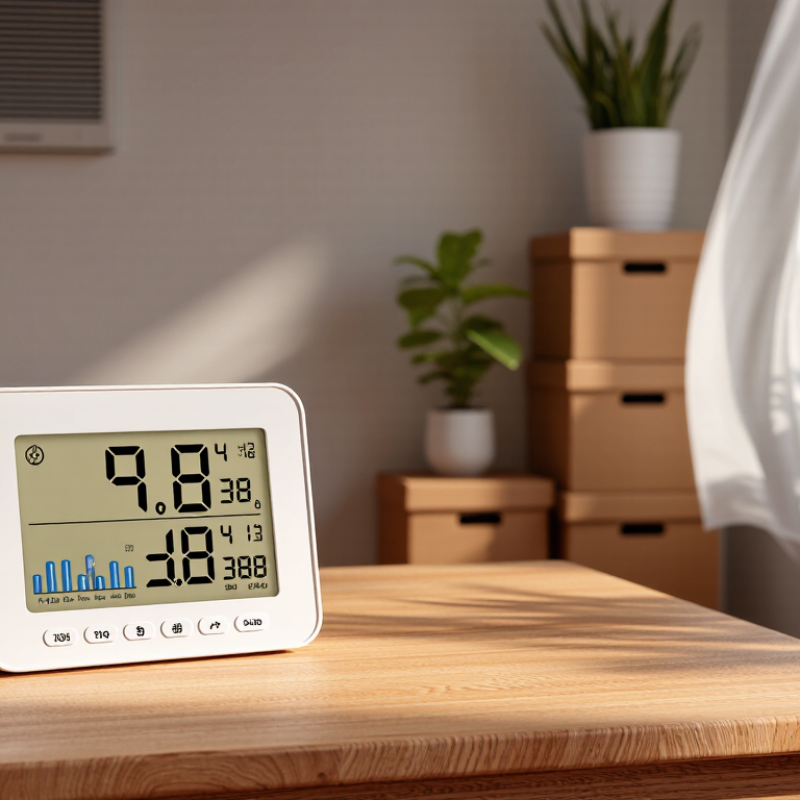
Why Temperature Alone Is Incomplete: Relative Humidity Changes as Air Warms
Temperature alone can mislead. Relative humidity compares the water vapor in the air with the maximum amount the air could hold at that temperature. That maximum changes as air warms or cools. When a room heats up without gaining moisture, its relative humidity usually drops, even though the amount of water vapor stays nearly the same.
For example, air at 20°C and 50% relative humidity may fall to about 37% if warmed to 25°C without adding moisture. The air has not suddenly lost water; warmer air has a higher saturation point. Cooling reverses the pattern. Relative humidity rises, and if air reaches its dew point, moisture can form on a cold window or pipe. Small temperature shifts matter. A sensor reading both values helps explain dry skin, static, or condensation more clearly than temperature alone.
Tips: Compare readings in the same spot and away from heaters, sunny windows, or damp surfaces. Give a sensor time to adjust after moving it. I sometimes expect one reading to tell the whole story, but room conditions can vary from shelf to shelf.
How Paired Readings Reveal Dew Point and Condensation Risk
Why Do Devices Measure Both Temperature and Humidity?
Temperature alone cannot show how close air is to becoming saturated. Relative humidity changes as air warms or cools, even when its moisture content stays similar. Paired readings help estimate the dew point: the temperature at which water vapor begins to condense. That matters.
For example, a room at 22°C and 60% relative humidity has a dew point near 14°C. If a window’s inner surface cools to that temperature or below, moisture may collect on the glass. The same risk can occur on a cold pipe hidden behind a cabinet. A device reading does not confirm condensation will happen; airflow, surface temperature, and sensor placement also matter. I’ve found that a sensor beside a warm appliance can give a misleading picture of a cooler corner.
Tips: Compare the dew point with the temperature of the surface you’re concerned about. Check readings near windows or pipes, not only in the middle of the room. Leave some margin, since small sensors and quick temperature changes can make readings imperfect.
Indoor Air Targets: EPA Recommends 30–50% Relative Humidity
Why Do Devices Measure Both Temperature and Humidity?
Temperature and humidity describe different parts of indoor comfort. Temperature tells you how warm a room feels; relative humidity shows how much moisture the air holds compared with its capacity at that temperature. The readings interact. The same amount of water vapor can produce a higher relative humidity in cooler air. That is one reason a combined monitor is more useful than either reading alone.
The EPA recommends keeping indoor relative humidity between 30% and 50%. This range can help limit excess dampness, which may encourage mold growth. It is a practical target, not a guarantee that every room will feel comfortable. Weather, insulation, cooking, showers, and the number of people in a room can shift readings. A display showing 48% does not tell the whole story.
Tips: Place the device away from sunny windows, heaters, vents, and steamy bathrooms. Check readings at different times of day, especially after a shower or while cooking. If humidity stays above 50%, look for damp surfaces or poor ventilation. If it falls below 30%, dry air may irritate some people. A sensor can mislead you, too; compare its readings with another device before making major changes. Just a small difference matters.
Thermal Comfort: ASHRAE Standard 55 Considers Humidity Alongside Temperature
A room can read 24°C and still feel close and sticky. Temperature alone misses how quickly sweat evaporates from skin. When relative humidity rises, evaporation slows, and occupants may feel warmer even if the thermostat barely moves. In dry air, moisture evaporates faster, sometimes leaving skin or eyes feeling uncomfortable. Small shifts matter.
ASHRAE Standard 55-2020 assesses thermal comfort using air temperature, radiant temperature, air speed, humidity, clothing, and activity. It sets an upper humidity ratio of 0.012 kilograms of water per kilogram of dry air. That is a limit, not a universal comfort target. ASHRAE’s comfort guidance also makes clear that humidity is only one part of the experience; a sunlit desk or a still corner can feel different from the room average. A combined temperature-and-humidity sensor therefore gives building operators more context than a thermometer alone. Still, one reading can mislead: sensors near windows, vents, or damp surfaces may not represent where people sit. ASHRAE Standard 55-2020 is a useful reference, but occupants’ clothing and activity vary, and real rooms are rarely perfectly uniform.
Moisture Management: EPA Advises Keeping Indoor Humidity Below 60%
Indoor humidity can seem harmless until a window stays fogged or a closet smells musty. Moisture can collect behind furniture, under sinks, and inside cool exterior walls. The U.S. Environmental Protection Agency advises keeping indoor relative humidity below 60 percent, ideally between 30 and 50 percent. This is a practical range, not a promise that mold cannot grow. Damp materials still need attention.
A small digital monitor helps reveal patterns across the day. Place it away from direct sunlight, cooking steam, and supply vents; otherwise, its reading may reflect a tiny pocket of air. Check rooms after showers, during rainy weather, and when windows feel wet. Short checks matter. If humidity stays high, use bathroom or kitchen exhaust fans that vent outdoors, repair leaks, and dry wet surfaces promptly. A dehumidifier may help in persistently damp spaces, but it does not fix water entering through a wall. One number can mislead. It is tempting to treat 59 percent as safe and 61 percent as danger, but moisture problems do not follow such a clean line. Look at readings alongside condensation, odors, and damp materials, then respond to the evidence.